Step-by-step AI diagnosis.
Built for the field.
Describe the problem. Snap a photo. Get the fix — with exact tool, setting, and reading. Across HVAC, electrical, plumbing, and 17 more trades.
🔒 Bank-level encryption·⚡ 50K+ diagnostics run·🔬 Vision AI photo analysis·✅ Trusted by working techs
How it works
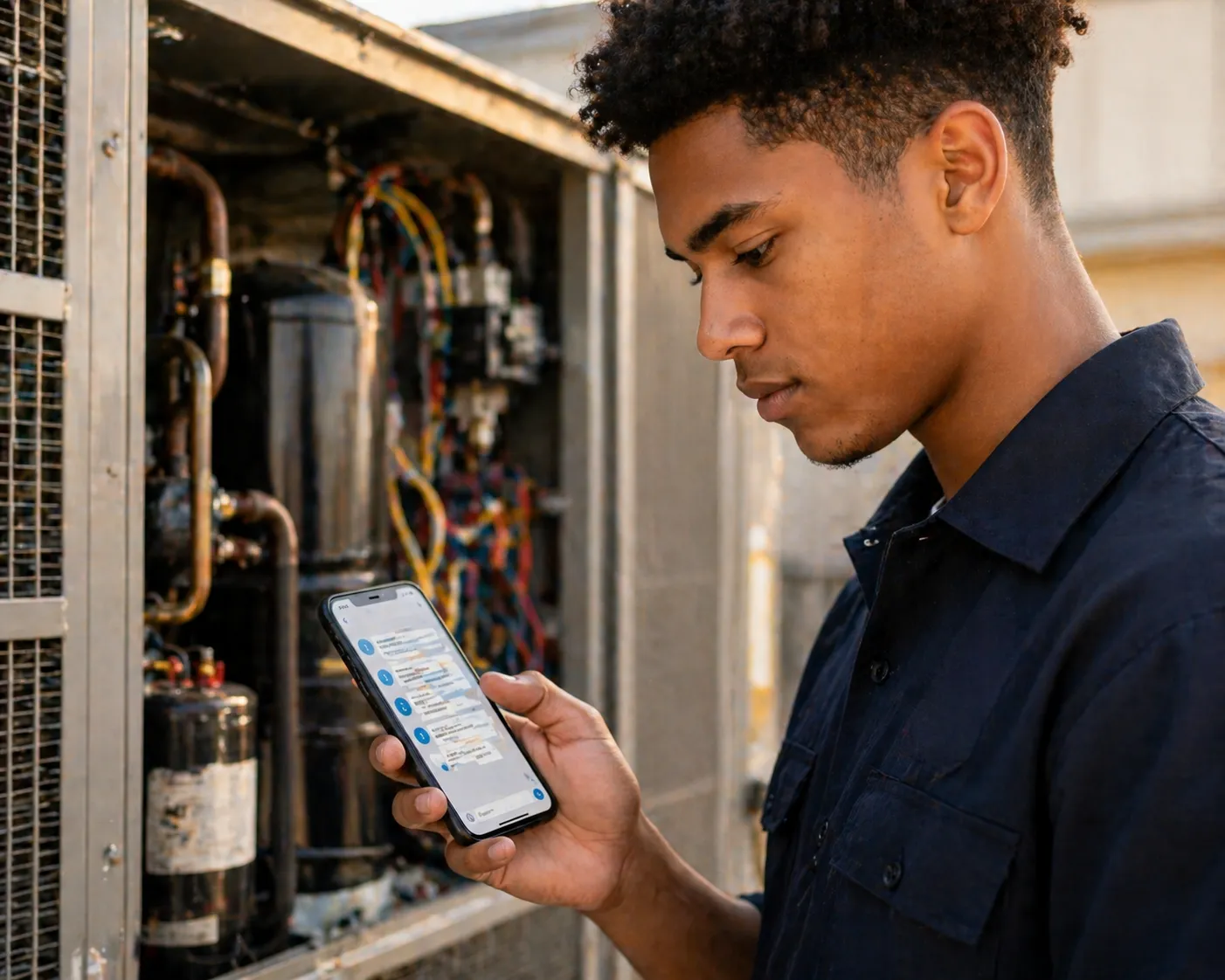
Describe the problem
Tell TechAssist Pro what you're working on. Snap a photo of the nameplate, error display, or problem area — the AI sees what you see.
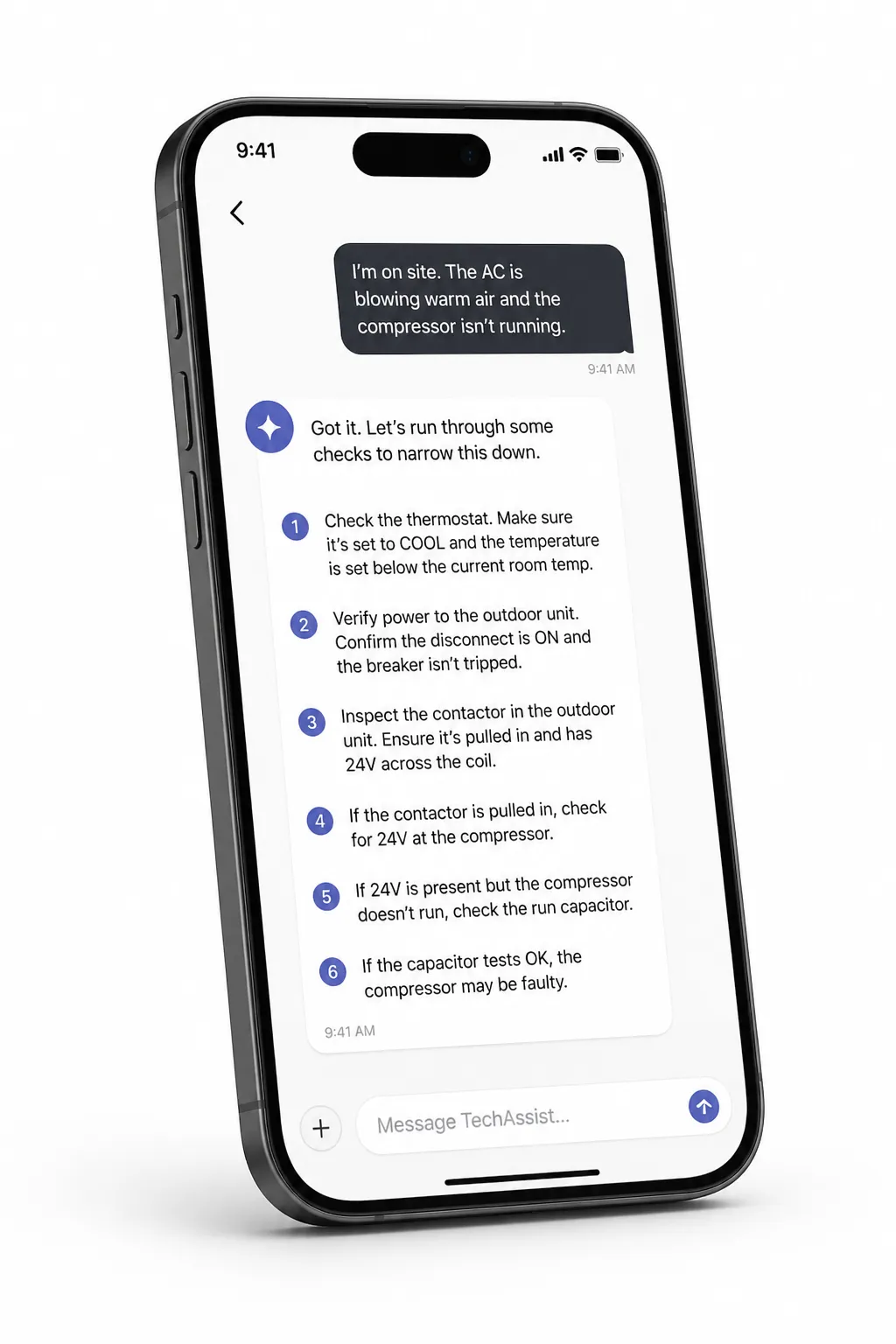
Follow exact steps
TechAssist Pro identifies the equipment and walks you through diagnosis — one numbered step at a time, with the exact tool, setting, and expected reading for each check.
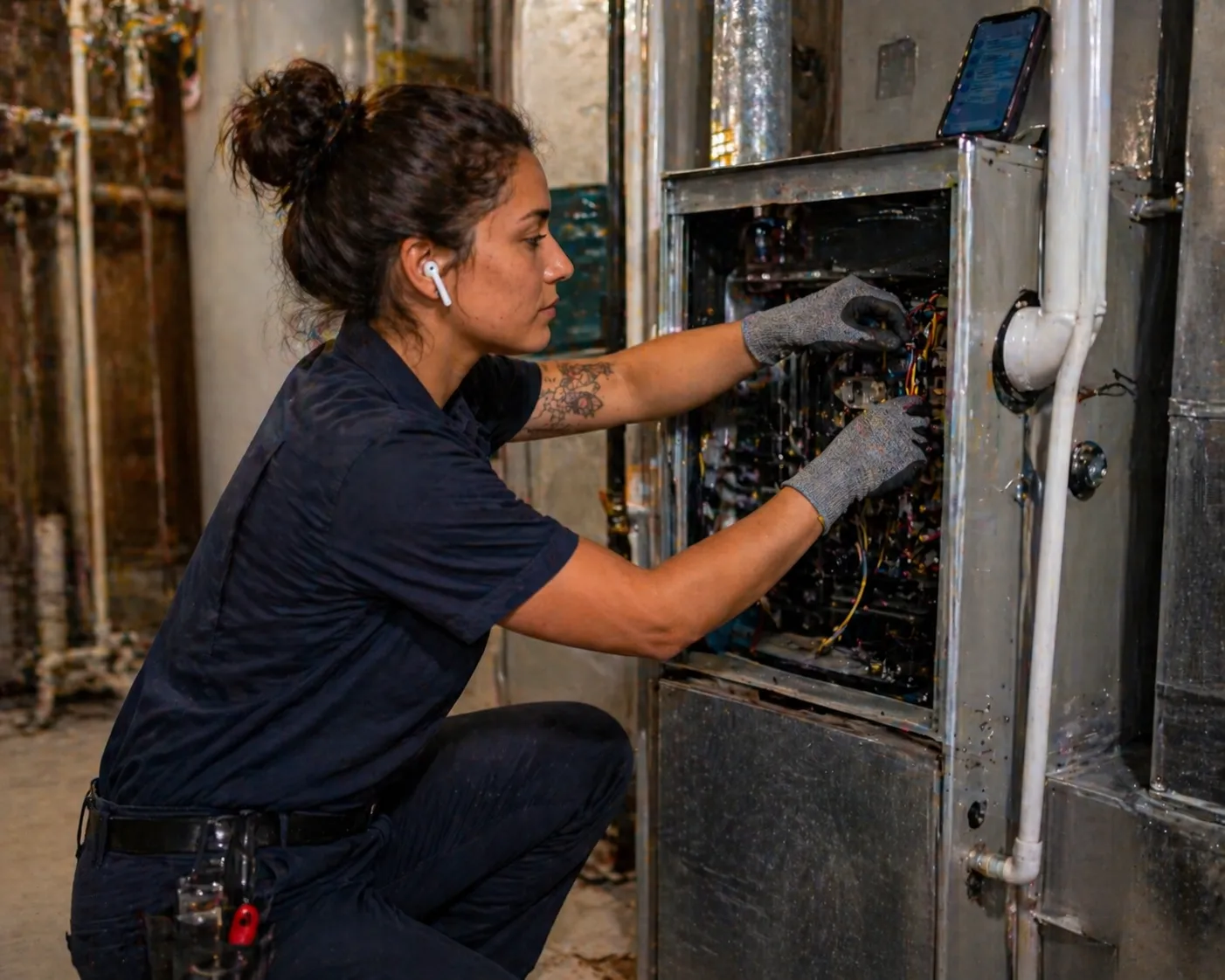
Fix it. Save it.
Root cause identified, fix applied, system back online. Every resolved session is saved as a reusable procedure you can reference on future calls.
Not a chatbot. A field mentor.
Every response tells you which tool to grab, which setting to use, where to probe, what the reading should be, and what it means when it's wrong. Built for techs working alone in tight spaces.
Sequence of operations
Knows the exact startup and shutdown sequence for each system — not generic advice, the real SOO for that specific make and model.
Tool-specific instructions
Tells you which meter to grab, what mode to set, where to place the probes, and the expected reading range.
Adaptive diagnosis
Adjusts the next step based on what you report. Wrong reading? It pivots to the most likely cause and narrows down from there.
Photo and video analysis
Snap a photo of the nameplate or the problem. The AI identifies the equipment and incorporates what it sees into the diagnosis.
Session history
Every resolved session is saved. Review past diagnoses, reference successful fixes, and track your growth across system types.
Gets smarter over time
Every resolved session improves the system. The more technicians use it, the faster and more accurate it becomes for everyone.

AI is replacing desk jobs.
Nobody's replacing the tech fixing the furnace.
If your industry is automating, the trades are hiring. Electricians, HVAC techs, and plumbers are in record demand — and there aren't enough of them. You don't need a 4-year degree. You need reps. TechAssist Pro gives you reps.
$75-120K
Average plumber salary
$60-100K
Average HVAC tech salary
$65-110K
Average electrician salary
No 4-year degree required — start learning today, earn within months
Trades can't be outsourced — every home and building needs service
AI helps you learn faster, not replace you — TechAssist Pro is built for exactly this
Career changers in their 30s, 40s, and 50s are the fastest-growing segment in trade schools
200+ systems. 20 trades.
From residential furnaces to industrial robotics.
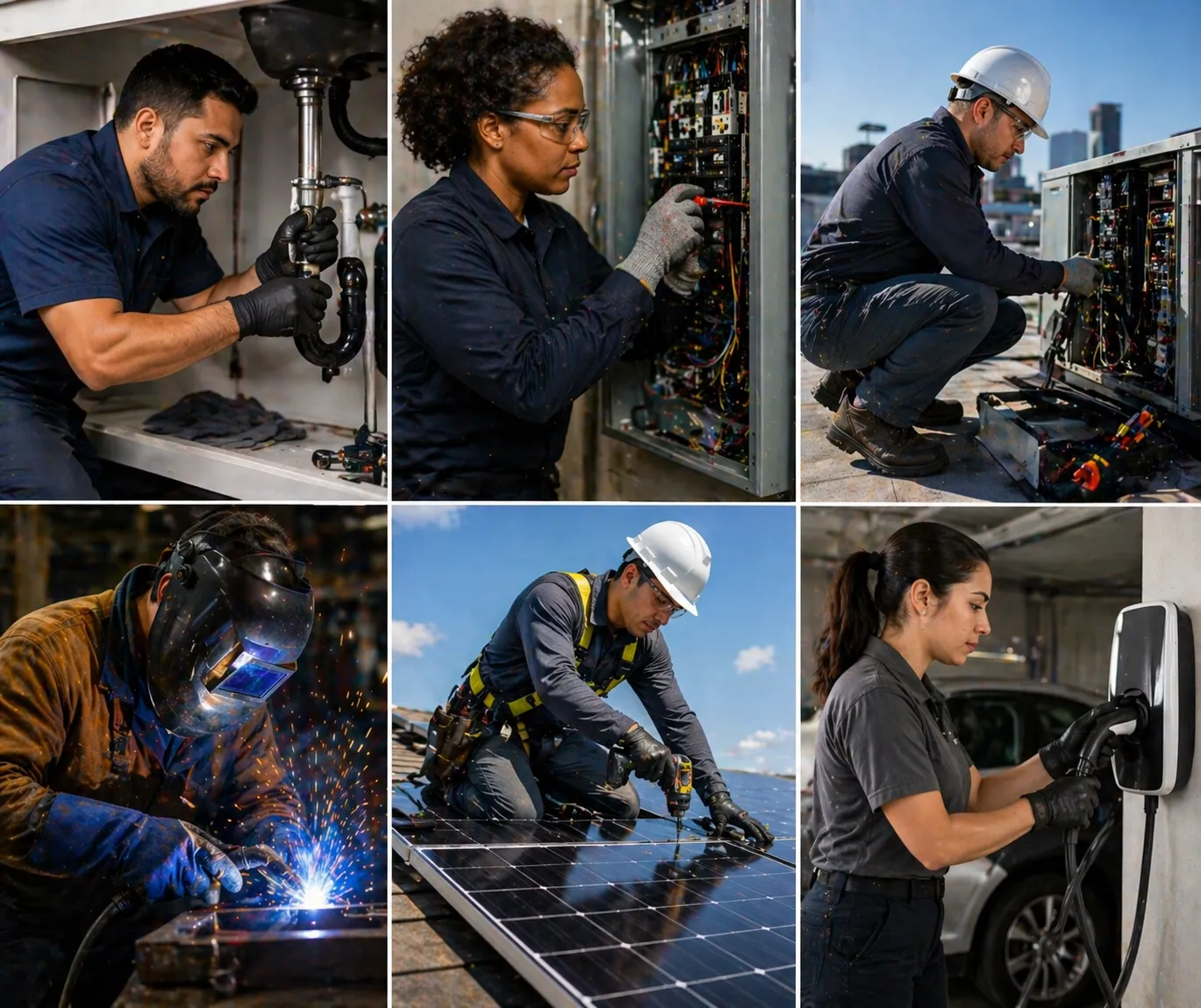
HVAC
Heating, cooling, and ventilation — split systems, heat pumps, furnaces, RTUs, mini-splits, VRF
Boilers
Gas, oil, and steam boilers — hot water systems, hydronic heating, circulators, zone valves
Chillers
Air-cooled and water-cooled chillers — centrifugal, scroll, screw, absorption, chilled water systems
Cooling Towers
Crossflow, counterflow, forced/induced draft — condenser water treatment, basin heaters, VFD fans
Refrigeration
Walk-in coolers/freezers, ice machines, display cases, rack systems, CO2 transcritical
Electrical
Panels, motors, VFDs, transformers, starters, generators, grounding, circuit design, EV chargers
Plumbing
Water heaters, sump pumps, backflow, drain systems, gas piping, fixture install, sewer repair
Appliances
Refrigerators, washers, dryers, dishwashers, ovens, disposals, commercial kitchen equipment
Building Controls
BACnet, DDC controllers, pneumatic systems, sensors, actuators, BMS programming, fault detection
Fire Protection
Wet/dry sprinklers, fire pumps, standpipes, alarm panels, kitchen hood suppression
Solar & Battery
Grid-tie, microinverters, optimizers, battery storage, off-grid systems, NEC rapid shutdown
EV Charging
Level 2 residential/commercial, DC fast charging, load management, NEVI compliance
Generators
Standby generators, portable units, UPS systems, automatic transfer switches, load management
Smart Home
Smart thermostats, lighting control, home networking, structured wiring, camera systems
Security
Alarm systems, access control, card readers, video surveillance, NVR/VMS, network cameras
Water & Pools
Water softeners, well pumps, filtration, RO systems, pool equipment, chemical balance
Industrial
PLCs, robotics, pneumatics, hydraulics, conveyor systems, VFDs, HMI programming
Low Voltage
Fiber optic, Cat6 cabling, AV systems, conference rooms, structured wiring, cable certification
Medical
Medical gas systems, autoclaves, sterilization, NFPA 99 compliance, hospital infrastructure
Welding
MIG, TIG, stick welding — steel, stainless, aluminum, pipe welding, fabrication techniques
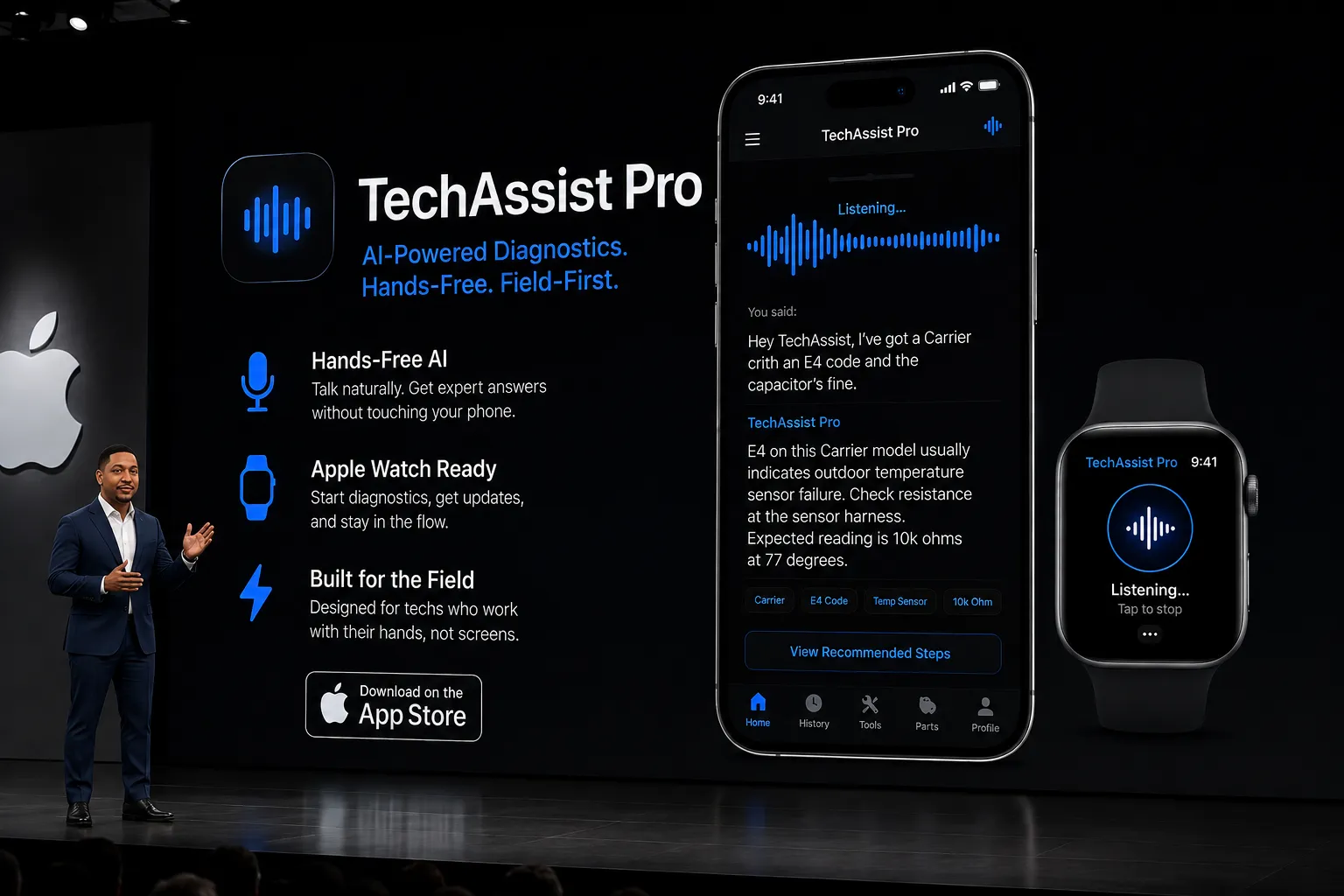
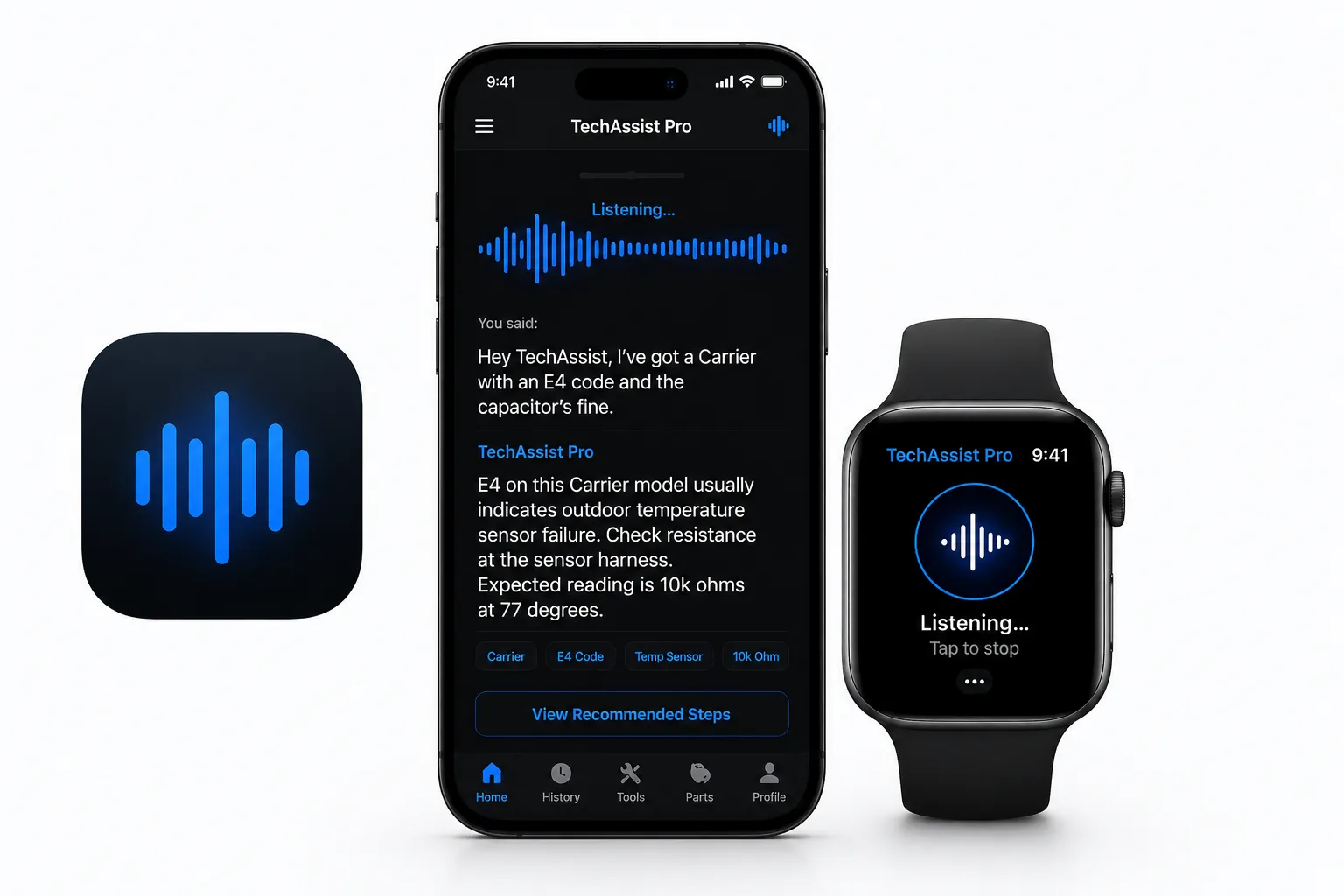
Now on Apple Watch
Your wrist.
Your AI tech partner.
Raise your wrist, describe the problem, get the answer. No phone needed. TechAssist Pro on Apple Watch keeps your hands on the work — not the screen.
Talk, don't type
Voice-first diagnostics. Describe what you're seeing, get expert guidance instantly.
Glanceable answers
Fault codes, resistance specs, step-by-step fixes — right on your wrist.
Built for the field
Works in attics, crawl spaces, and mechanical rooms. No signal? Cached answers available offline.
Coming June 2026 · iOS & Android · Apple Watch (iOS only)
What techs are saying
I used TechAssist Pro on a VRF system I'd never touched before. The AI walked me through the entire commissioning — step by step, with the exact readings I should expect. Fixed it in one visit.
Marcus T.
HVAC Technician, 6 years
I went from zero trade experience to passing my EPA 608 in 4 months. I study on TechAssist Pro every night. It explains things the way a patient mentor would — not a textbook.
Sarah K.
Career changer, former retail manager
My journeyman showed me the app and now I use it on every service call. The photo analysis is wild — I snapped a pic of a tankless water heater error code and it told me exactly what to check.
James R.
Plumbing apprentice, 1st year
Simple pricing
7-day free trial on all plans — no credit card required.
Cancel anytime before day 7 and you're never charged.
Pro
For working technicians
$19/mo for first 200 members
- All 20 trades available
- 100 diagnose sessions/month
- 150 learn sessions/month
- Photo and video analysis
- Voice mode (hands-free)
- Live camera feed
- Saved procedures
Professional
For heavy-use technicians
- All 20 trades available
- 300 diagnose sessions/month
- 400 learn sessions/month
- Priority AI response
- Photo and video analysis
- Voice mode (hands-free)
- Saved procedures library
Enterprise
Per shop — up to 10 techs
- 600 diagnose sessions/month
- 1,500 learn sessions/month
- Team management dashboard
- Progress analytics
- Custom courses and scenarios
- API access
- Priority support
Built for everyone

Students
Just starting out? Learn any trade from scratch with an AI mentor that explains the why, not just the what. No equipment needed.
Start learning →Working Technicians
Stuck on a job? Snap a photo, describe the problem, and get step-by-step diagnosis with exact tool instructions.
Start diagnosing →Career Changers
Leaving your desk job? Explore 20 trades at your own pace. Find what clicks. Trades pay $60-120K and can't be automated.
Explore trades →Common questions
Is this replacing trade school?
TechAssist Pro accelerates your learning. Real techs use it during apprenticeships to diagnose faster, pass exams sooner, and earn more in their first year. It's not a replacement — it's an unfair advantage.
Do I need any tools or equipment to learn?
No. Learn mode teaches you through conversation, scenarios, and quizzes. You don't need any tools, equipment, or prior experience to start. When you're ready for hands-on work, the AI tells you exactly which tools you'll need.
Does this work on my phone?
Yes. TechAssist Pro works on any phone, tablet, or computer — no download required. Add it to your home screen for a native app feel, or use it directly in your browser on the job site.
Can I use this on an actual job site?
Yes. Diagnose mode is built for exactly that. Take a photo of the equipment nameplate, describe the issue, and the AI walks you through step-by-step troubleshooting with specific tool instructions.
What's the difference between Free and Pro?
The 7-day free trial gives you full Pro access with no card required. After the trial, Pro is $29.99/mo — or $19/mo forever if you're one of the first 200 founding members. Pro includes unlimited diagnose sessions, photo and video analysis, voice mode (hands-free), live camera feed, and saved procedures.
How does the 7-day free trial work?
No credit card required to start. You get full Pro access for 7 days. If you continue, you're charged after the trial ends — at the founding rate of $19/mo if spots remain, otherwise $29.99/mo. Cancel anytime before day 7 and you're never charged.
Part of the DispatchIQ ecosystem
TechAssist Pro is one piece of the platform. Ready to earn? Join the network.
Workforce OS
Ready to earn? Join the network. Accept jobs, track earnings, and manage your fleet.
Join now
DispatchIQ Home
The homeowner marketplace. This is where your customers post jobs and find you.
See the marketplace
DispatchIQ Scan
AI hazard detection for everyone. Catches problems before they become emergencies.
Try free scanThe best techs never stop learning.
20 trades. 200+ systems. AI-powered diagnosis and training built for the job site. 7-day free trial — no card required.
Start Free Trial